Calibrate any table
Resize the guide block from its edges and corners until it matches the table beneath it.
CuePilot overlays a precise, adjustable aiming guide on your pool game, helping you take better shots, miss less, and play with confidence.
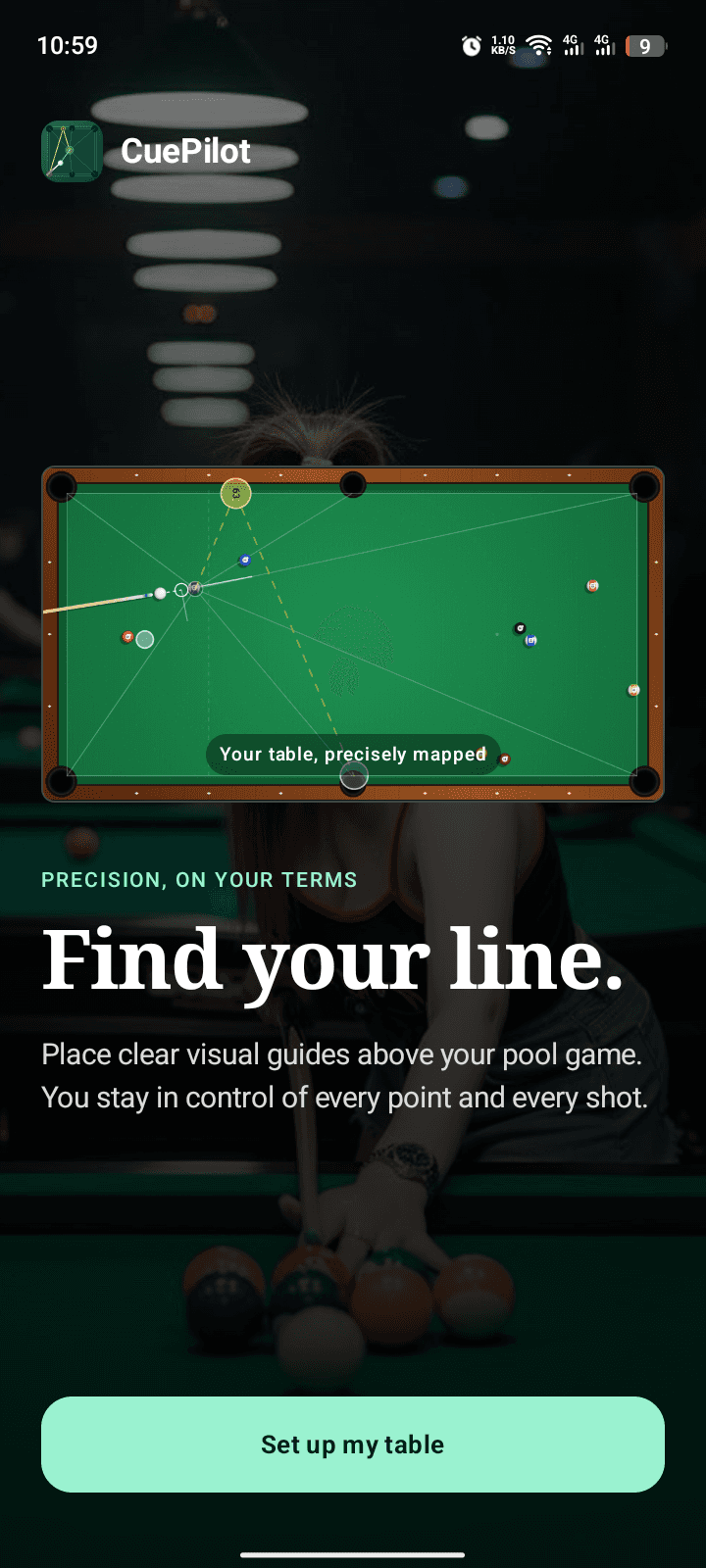
THE TOOLKIT
Built around a single idea: make alignment clearer without making the game less yours.
Resize the guide block from its edges and corners until it matches the table beneath it.
Four corners and two side points stay connected to one adjustable centre target.
Freeze the guides and return touch control to the game without losing your alignment.
Drag the bank endpoint to a pocket and see the reflected cushion route update in place.
Keep multiple named calibrations and switch between familiar tables from Home.
Tune line weight, colour, transparency, drag sensitivity, orientation, and theme.
THREE MOVES
CuePilot remembers the fine tuning, so the next session starts closer to ready.
Resize and rotate the guide block until its boundaries sit over the table rails.
Use the offset handle to position the centre point without covering the ball beneath it.
Freeze the guide, return touches to the game, and align your shot with the visible line.
INSIDE CUEPILOT
Designed for quick adjustments between shots, even when the pressure is on.
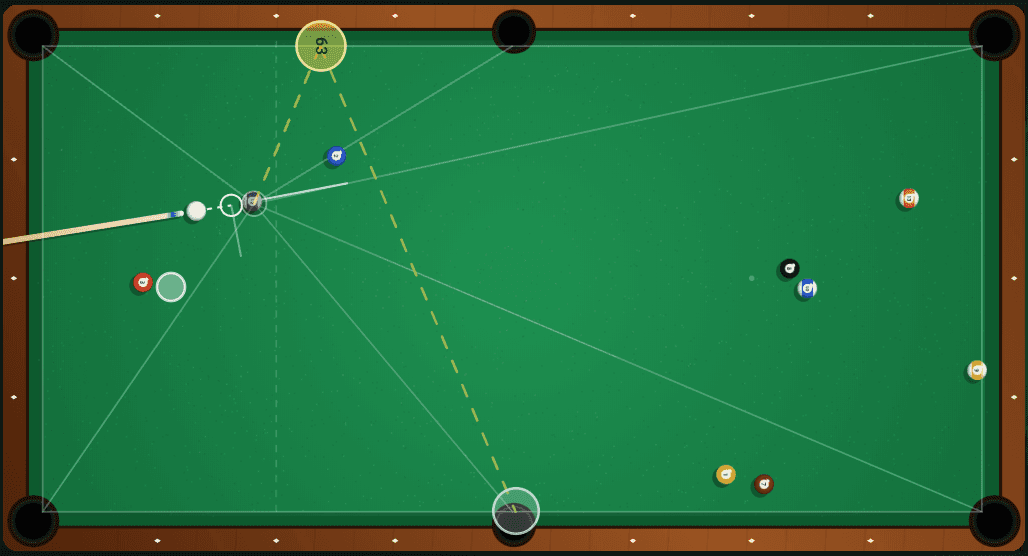 Actual calibration view
Fit the guide to the rails, move the target without covering the ball, and preview the reflected bank route.
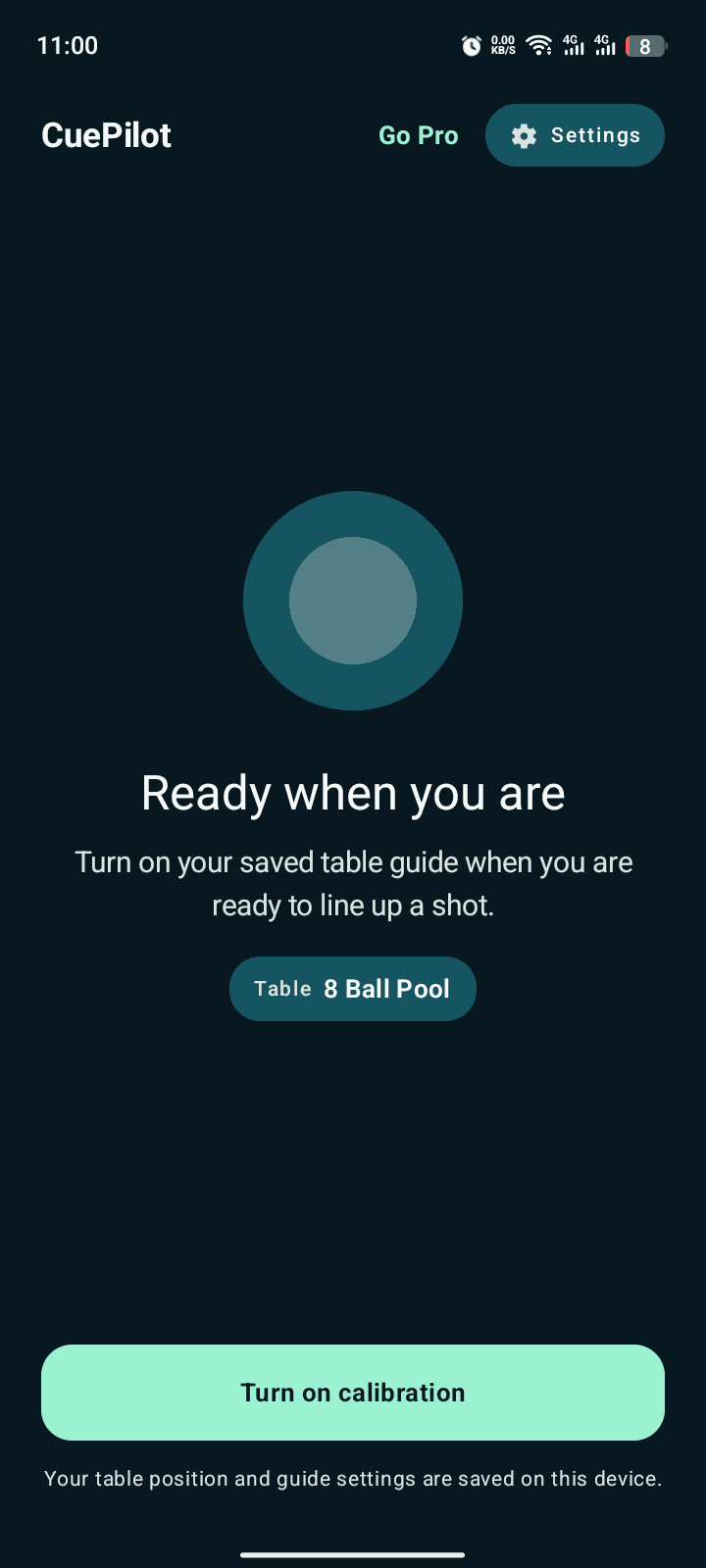
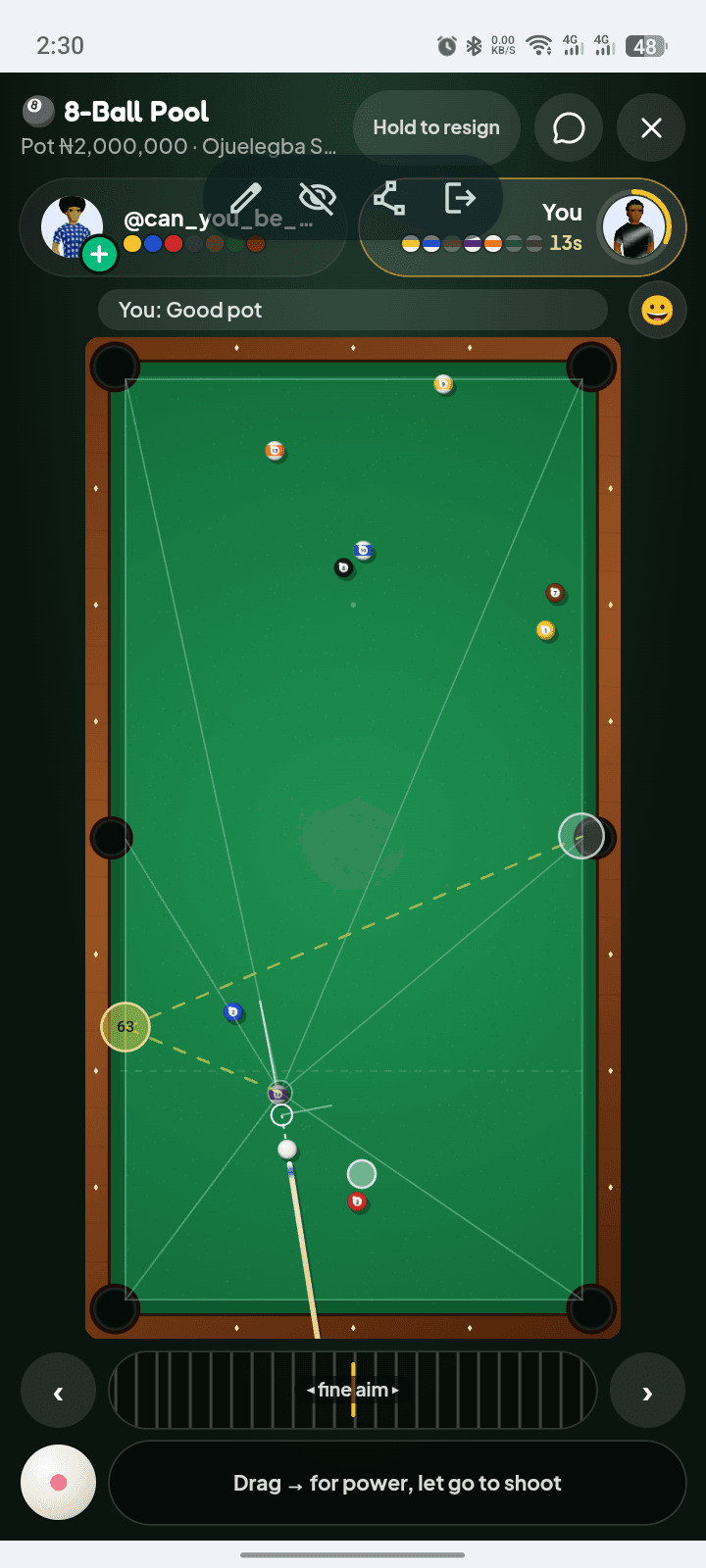
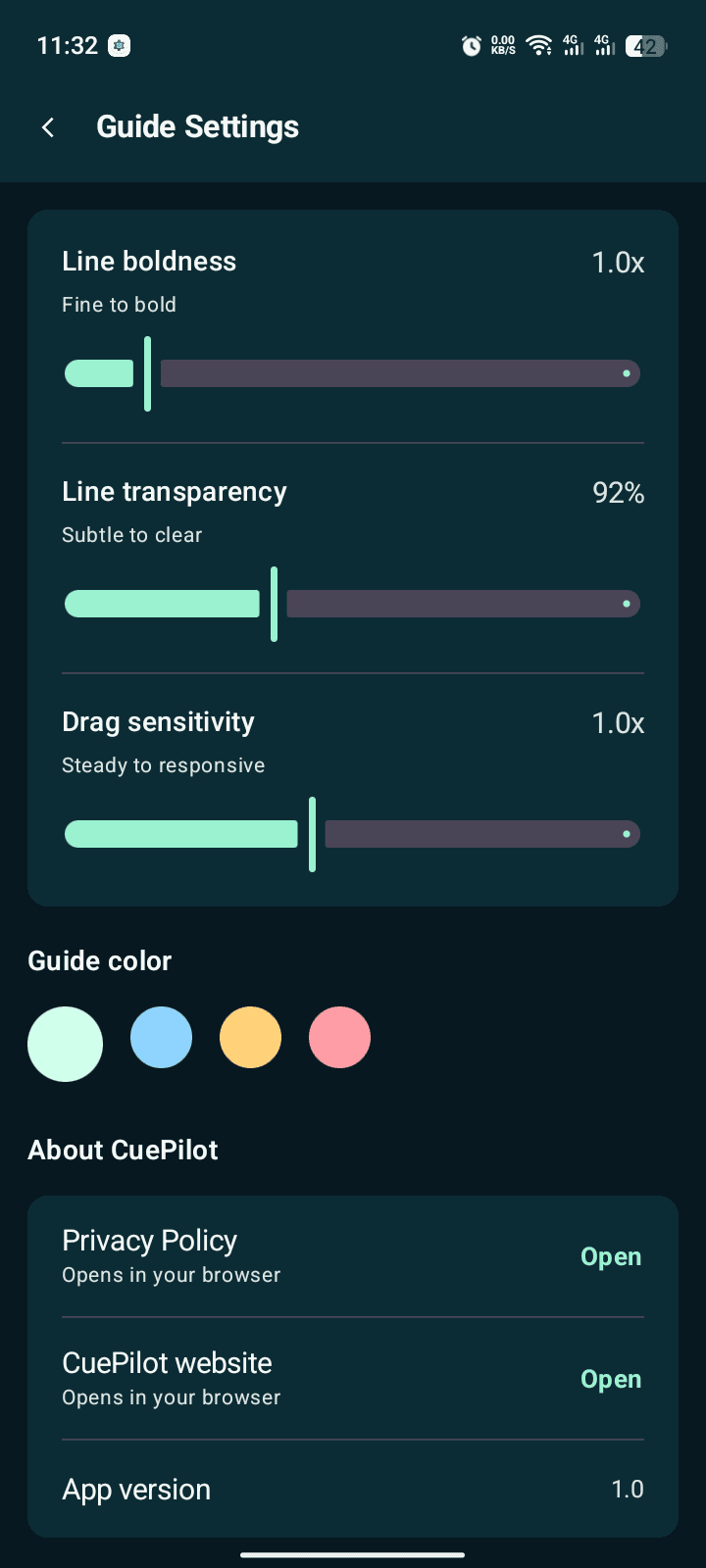
Actual CuePilot screens, shown in device frames for context.
CHOOSE YOUR ACCESS
Install free, test the complete guide system, and decide how you want to continue.
FREE TRIAL
Every guide feature on an eligible device. No reduced demo mode.
Full guide accessREWARDED ACCESS
Complete one rewarded ad to unlock one calibration session.
Use it when neededCUEPILOT PRO
One Google Play purchase. Permanent access restored through your Play account.
No subscriptionPRIVACY BY DESIGN
CuePilot does not capture or analyse your game screen, and it has no user accounts. Your calibration and guide settings stay on your device.
Read the privacy policyFAQ
Quick answers about what CuePilot does—and what it deliberately does not do.
No. CuePilot is a manual visual guide. It does not read the game screen, move controls, automate shots, or interact with game data.
Android's draw-over-other-apps permission lets CuePilot show the guide above your pool game. You remain in control of when the overlay is visible.
Yes. Saved table profiles let you name and restore different guide calibrations from the app's Home screen.
CuePilot supports Android 8.0 and newer.
CuePilot is being prepared for its Google Play closed test.